


$0.00
Tilt Pi v2 HDMI Bookworm 64-bit Apr26 (SD Card Image Download for use with RPi 0w2, 3A, 3B, 4, 5 with HDMI Port)
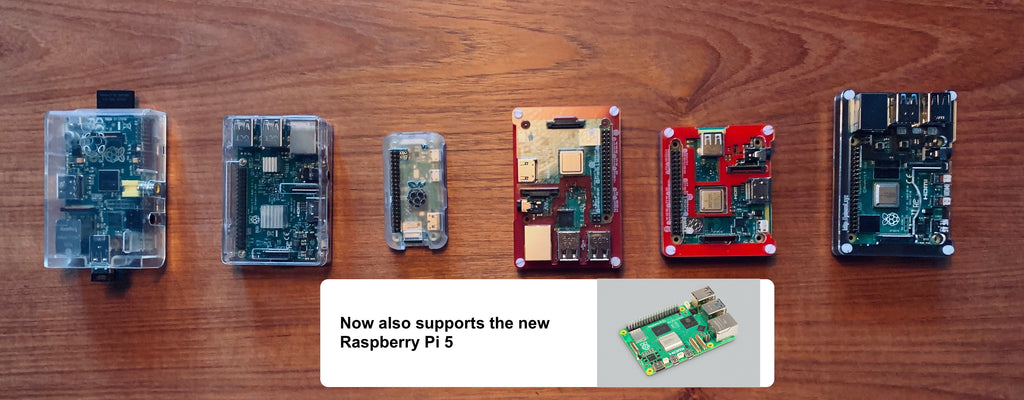
Same as the Tilt Pi v.2 Bookworm download but with Chromium browser installed so you can use the HDMI port to connect directly to a monitor to display the Tilt Pi dashboard. The disk image will automatically boot up and load the dashboard. Now updated with the April 2026 "Bookworm" operating system to support the Raspberry Pi 5, 4, 3B, 3A, 0w2. We recommend using any Raspberry Pi 3, 4, or 5 since the GUI needs more memory and processor than the server-only version. Note: Will not work on the original Raspberry Pi 0w because it is a 32-bit processor and this download is for 64-bit processors.

Watch our Youtube install instructions here.
Note: The disk image will automatically startup and log data upon boot, however to customize the system, "pi" is the username and "tilt" is the password.
Additional installed software includes Chromium (open-source version of Chrome), and additional configurations to support hands-free start up. WiFi settings can be configured either with a second desktop or laptop computer (see instructions for Tilt Pi) or by using the Raspberry Pi Desktop interface (see Raspberry Pi website for more detail on configuring WiFi from the RPi Desktop). You will need a USB keyboard and mouse as well as HDMI monitor to setup WiFi and view the Tilt Pi dashboard.